If you have ever tried hosting video files on your website, you already know the struggle. Video hosting can chew through bandwidth fast, slow down your server, and send hosting costs through the roof. On the flip side, third-party video platforms often clutter your content with unwanted ads or external branding.
Thank you for reading this post, don't forget to subscribe!Enter GDPlayer Google Drive Video Player v4.8.3—a clever, lightweight tool designed to bridge the gap between cloud storage convenience and a clean, professional web presentation.
What Makes GDPlayer Stand Out?
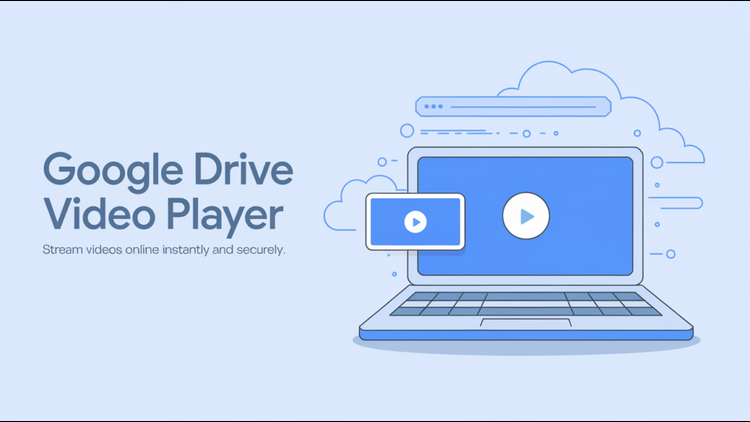
At its core, GDPlayer turns your Google Drive account into a dedicated video streaming server. Instead of uploading heavy MP4 files directly to your web server, you host them safely in Google Drive. GDPlayer then fetches and streams those files directly on your website using a custom, modern media player.
Here is why site owners, bloggers, and content creators are making the switch:
- Sleek, Customizable Interface: Default video players can look dated. GDPlayer lets you tweak colors, adjust controls, and align the player’s look with your brand’s unique aesthetic.
- Fully Responsive Design: Whether your visitors are watching on a widescreen desktop, an iPad, or a smartphone on the go, the player scales fluidly without breaking your site’s layout.
- Fast and Lightweight: Built with clean HTML5, CSS3, and JavaScript, GDPlayer loads quickly without cluttering your page’s source code or draining client resources.
- Flexible Video Management: Whether you want to embed a single quick clip or curate an entire video series with playlists, the tool handles single and multi-video setups with ease.
What’s New in Version 4.8.3?
The v4.8.3 update focuses on stability, enhanced security, and smoother cross-browser compatibility.
- Enhanced API Handling: Stricter integration options ensure that both public shareable links and private, API-authenticated Google Drive files play reliably without unexpected playback interruptions.
- Optimized Mobile Playback: Touch controls, full-screen toggling, and progress navigation feel significantly snappier on mobile browsers like Chrome and Safari.
- Improved HTTPS & SSL Compatibility: With security being a top priority for modern websites, v4.8.3 offers seamless integration on SSL-enabled domains.
Easy Integration for Every Creator
You don’t need to be a seasoned software engineer to get GDPlayer up and running. Installation typically involves uploading the core package files to your server directory, grabbing your Google Drive shareable link (or API key for private content), and inserting a simple embed code into your HTML.
Because it operates neatly alongside standard LAMP or LEMP web server environments, it fits effortlessly into WordPress sites, custom web portals, or educational platforms.
Final Thoughts
GDPlayer v4.8.3 delivers an ideal middle ground for anyone looking to deliver high-quality video content while keeping hosting overhead low. By marrying Google’s robust cloud infrastructure with a flexible, customizable HTML5 frontend, it puts total control back into the hands of website creators. If you want your videos to look sharp, load fast, and stay on-brand, this update is well worth exploring.